
News for March 2026
Sun, 03/08/2026 - 09:46 — Dmitry Brant
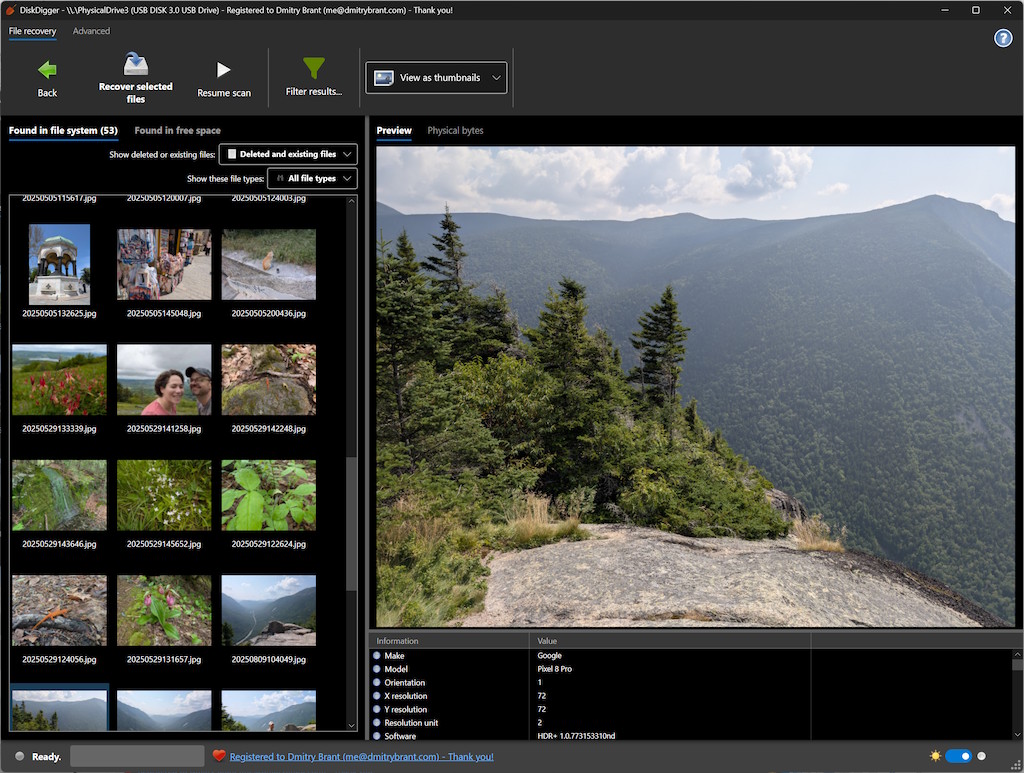
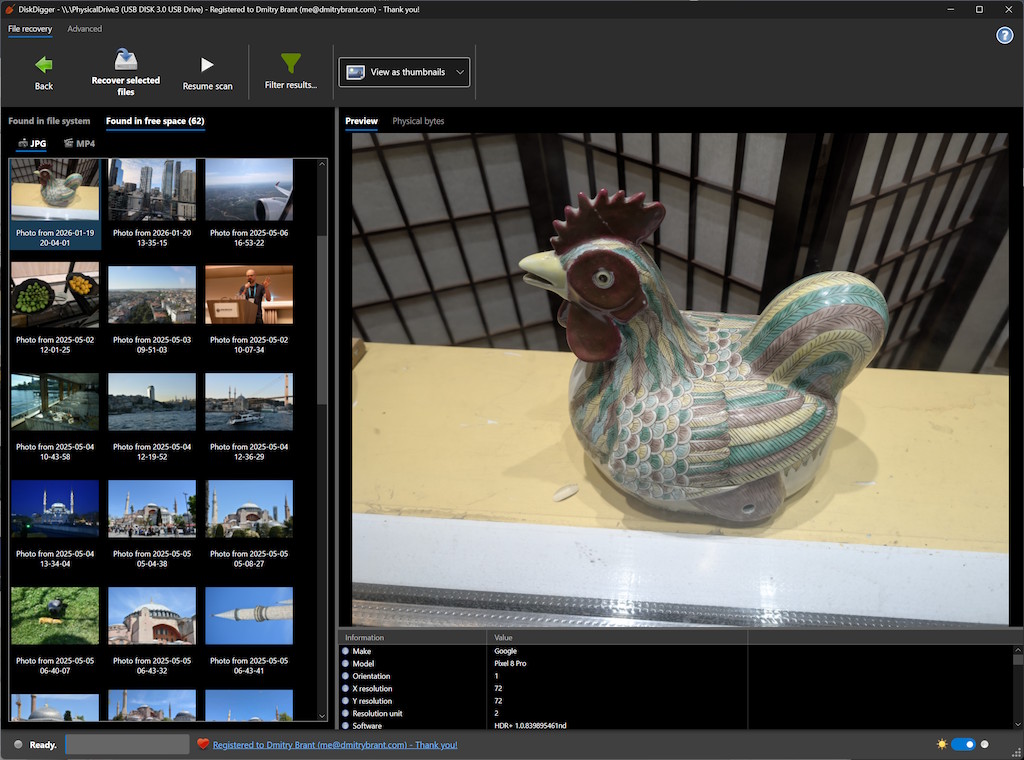
It’s time, once again, for some exciting updates to DiskDigger for Windows, macOS, and Linux! Here are all the new features and enhancements in this release:
- Significantly improved support for Linux and macOS. Since the latest Beta versions of DiskDigger are built using Avalonia UI, it is automatically compatible with not only Windows, but also macOS and Linux.
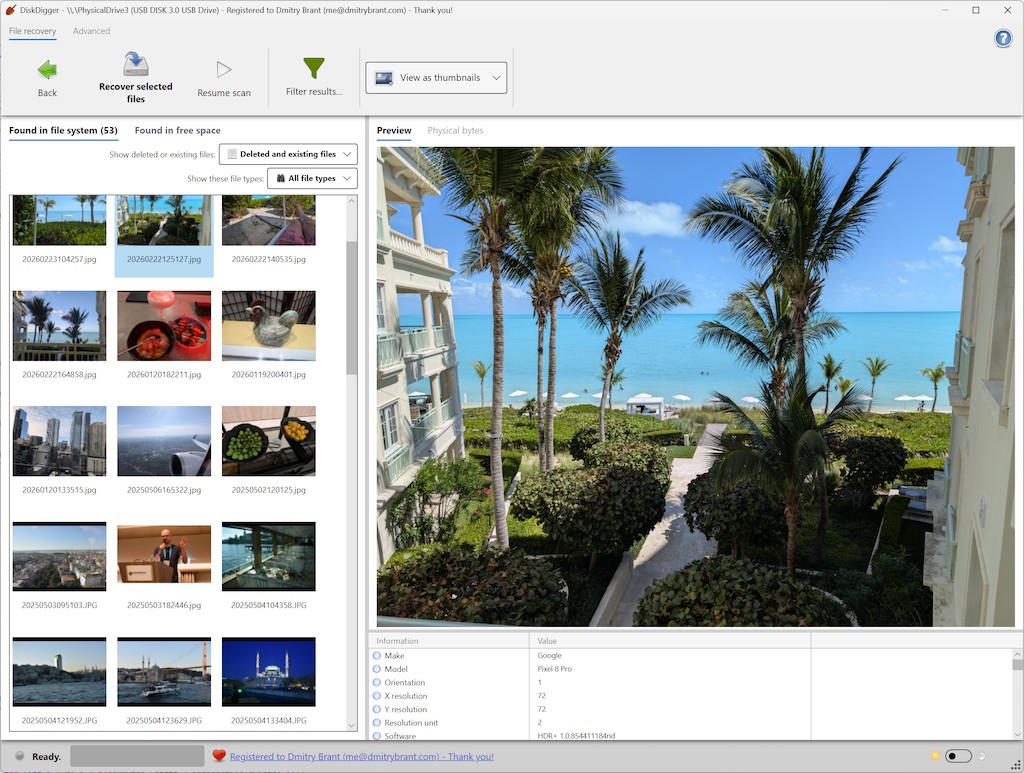
- Dark mode! In the new Beta versions, for all operating systems, there is now a toggle switch at the bottom-right of the window, which lets you switch between light and dark mode. By default, DiskDigger will automatically match the current system selection of dark or light mode, but you can change it whenever you like, while running the app.
- DiskDigger now supports several new file systems! By mentioning "support" for a certain file system, it means that DiskDigger can read files from that file system, even if your computer itself does not support it. These files could be deleted or not deleted. After DiskDigger finishes scanning your disk, you can make it show "Deleted and existing files" or "Deleted files only", depending on what you’re looking for.
- Improved heuristics for detecting (carving) various file types, including JPG, MPO, and MP4.
- Improved detection of nonstandard partition tables.
Go to the Download page and get the flavor of DiskDigger that is right for you: whether you’d like the most recent version for Windows, or the latest Beta version for Windows, Linux, or macOS!