
News for July 2026
Sat, 07/18/2026 - 15:53 — Dmitry Brant
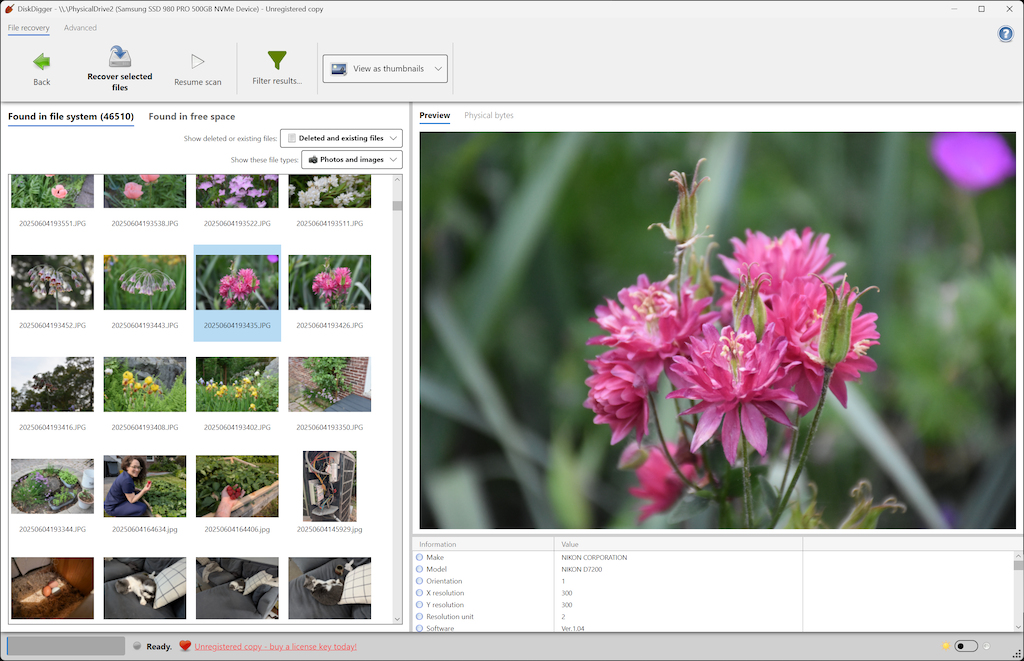
There are tons of excellent updates to DiskDigger for Windows, macOS, and Linux!
- The new Avalonia-based version of DiskDigger is now the default for usage in Windows, macOS, or Linux. The older version (for Windows only) is still available for download, in case you encounter any issues with the new version. (If you purchased a license key for DiskDigger, it will work with either the new or old version.)
- When looking at the list of recoverable files, there is now an option to view the files and folders as a tree, in addition to viewing them as a list or as thumbnails.
- Hugely improved detection of file and directory metadata from unallocated blocks in NTFS, FAT, and ext4 partitions. DiskDigger is now even better at finding deleted files and directory structures that are no longer known to the filesystem itself. Specifically for NTFS, there is also improved parsing and recovery from the $UsnJrnl file.
- Similarly improved support for finding orphaned file and directory entries in APFS and HFS+ partitions.
- Significantly improved performance when reading compressed disk images (E01, VMDK, QCOW2).
- Further improvements to using BitLocker-encrypted volumes and encrypted APFS volumes.
- Improved detection and recovery of Insta360 photos and videos.
- Improved previewing of MP3 metadata.
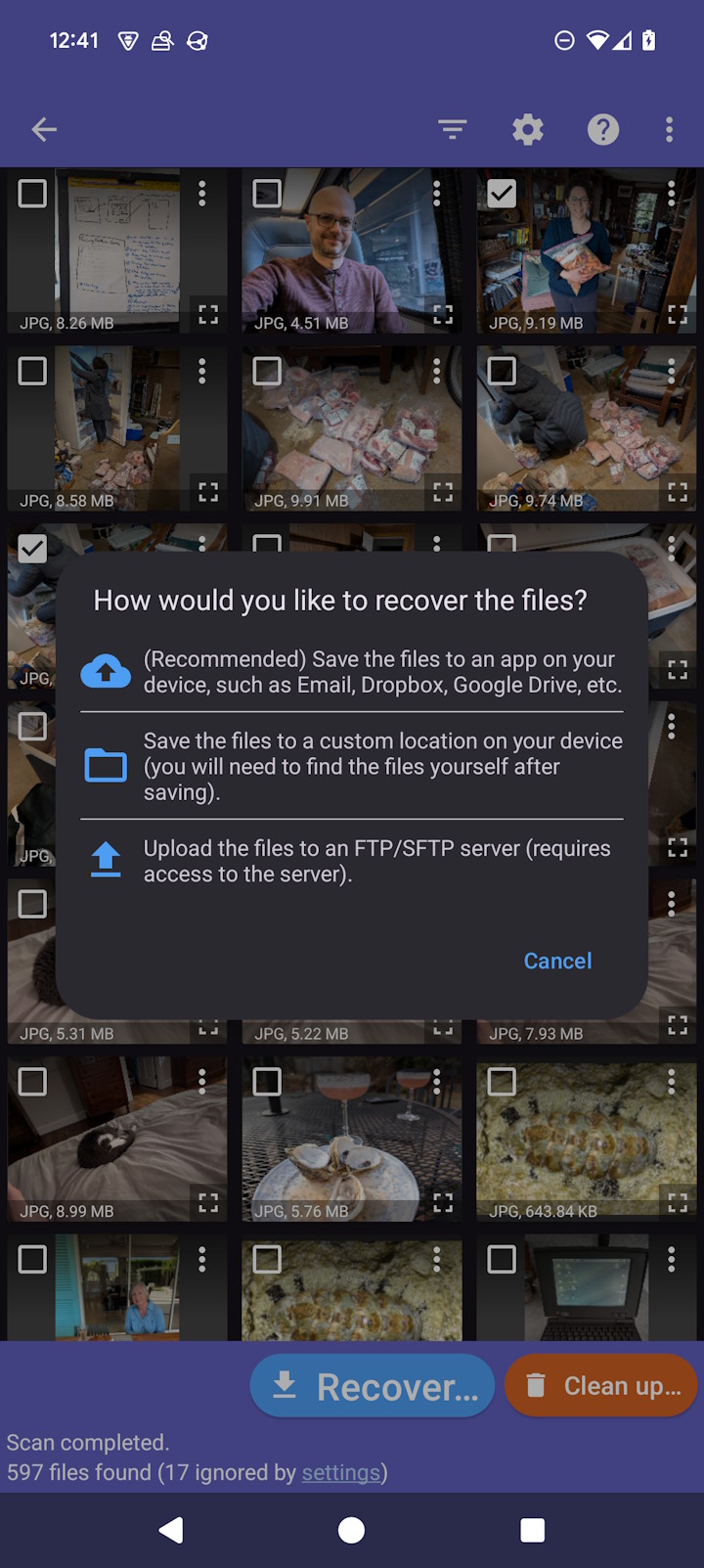
...And if you need to search for lost photos, videos, or other files on your Android device, DiskDigger for Android is here for you, as always, with plenty of its own great updates in the works (stay tuned!):